



Patients
Contact details, medical history and clinical alerts.
Clinical software for endodontists
Schedule appointments, document each tooth and prepare the referring dentist's report. Endora brings your endodontic workflow together.
No credit card. Nothing to install.
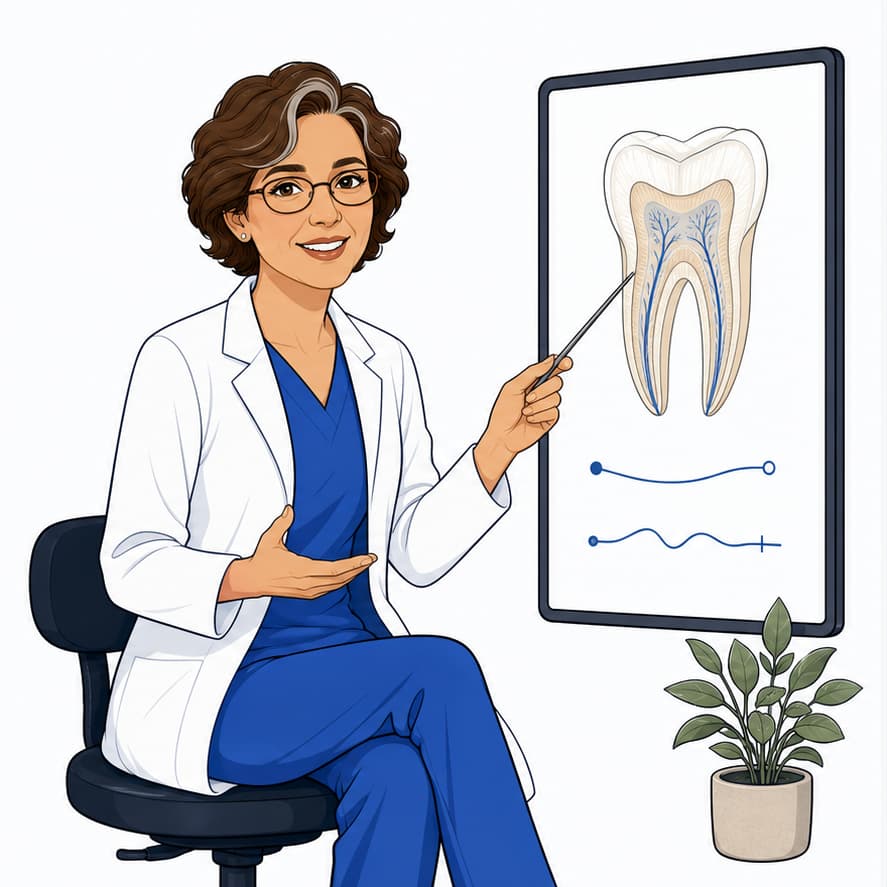
Explore the product

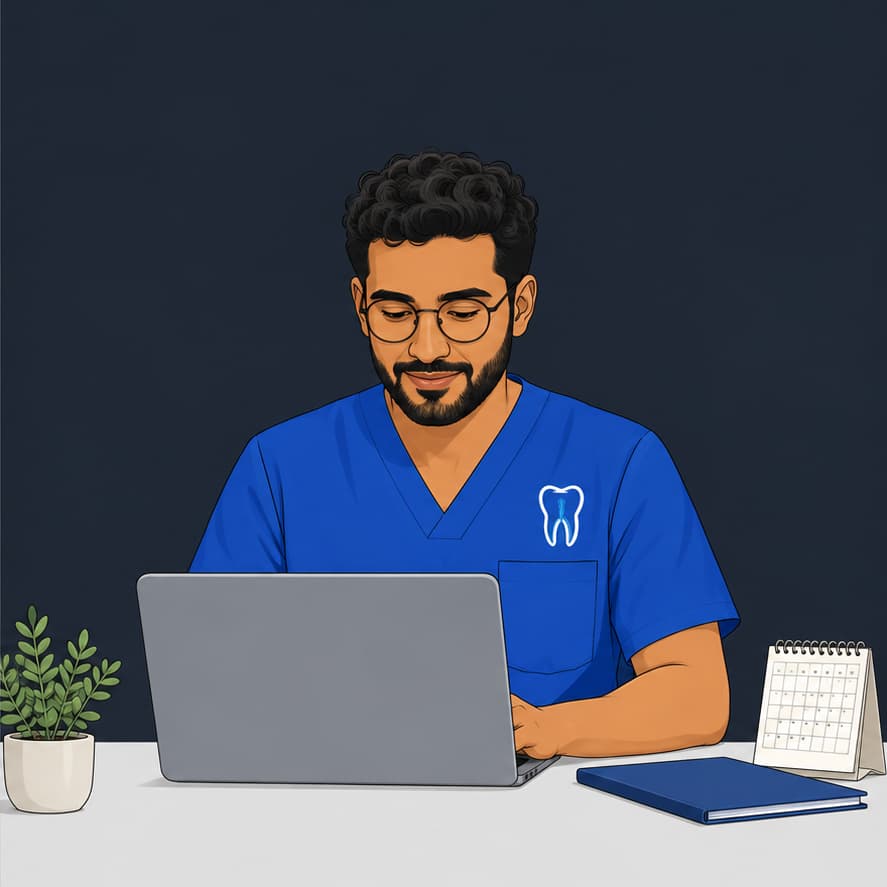
Who is coming, which tooth you are treating and where their case stands. Open your schedule and see what is ahead.


Treatment continuity
When a patient returns, you need their previous radiograph, notes and treatment details. In Endora, that information stays connected to the tooth and its sessions.
Check your schedule, the reason for the visit and medical alerts. Start with the context you need.
Document the diagnosis, sessions and radiographs within the same case. Every detail has its place.
Prepare the report from what you have already recorded and share it with the referrer. Continue the story without starting over.
When a patient returns, you need their previous radiograph, notes and treatment details. In Endora, that information stays connected to the tooth and its sessions.
Check your schedule, the reason for the visit and medical alerts. Start with the context you need.
Document the diagnosis, sessions and radiographs within the same case. Every detail has its place.
Prepare the report from what you have already recorded and share it with the referrer. Continue the story without starting over.
Tools for your specialty
Contact details, medical history and clinical alerts.
Contact details, medical history and clinical alerts.
Day, week and month appointments tied to the case.
Day, week and month appointments tied to the case.
Diagnosis, sessions, progress and documentation.
Diagnosis, sessions, progress and documentation.
Radiographs and files linked to the case.
Radiographs and files linked to the case.
Versioned PDFs and shareable links.
Versioned PDFs and shareable links.
External doctors and referred cases.
External doctors and referred cases.
Clinical security
Endora is designed to separate each practice by account and keep clinical files inside the correct workflow.
How we protect your informationEach practice works inside its own workspace.
Images and reports are stored as clinical files for the practice.
Patients, cases, and reports stay connected to the correct record.
The public website and application use HTTPS to protect information during transmission.
Each practice works inside its own workspace.
Images and reports are stored as clinical files for the practice.
Patients, cases, and reports stay connected to the correct record.
The public website and application use HTTPS to protect information during transmission.
A plan for your practice
You have 21 days to explore the full clinical workflow, no credit card required. Choose the plan that fits your practice.
Pago mensual para usar Endora sin compromiso anual.
Nothing is deleted when the 21 days end: your workspace becomes read-only until you activate a plan.
If you are a student, you can request the benefit inside your account.
If you are a student, you can request the benefit inside your account.
For clinics, high volume, or special requirements, it is better to review scope, users, support, and billing before activating the plan.
Let’s talk about the details
Write to us and we will tell you what you need to know before deciding.
No. Endora runs in the browser and you can access it with your account.
Yes. The platform is designed for desktop operation and important mobile workflows.
Yes. Endora connects patient management for endodontists with appointments, clinical cases, treatments, images, and reports.
Yes. Endora is endodontic practice management software for clinical documentation, patient management, appointment scheduling, images, and reports.
Only your practice. Every account works on its own data space and access is controlled per user from the settings.
Yes. You can link images and files to the clinical case and to the session they were taken in, so they do not get lost across folders.
Yes. You can invite your team and assign roles from the practice settings.
Yes. There is an offer for endodontics students. You request it from your billing panel with student profile verification.
Only your practice. Every account works on its own data space and access is controlled per user from the settings.
Yes. You can link images and files to the clinical case and to the session they were taken in, so they do not get lost across folders.
Yes. You can invite your team and assign roles from the practice settings.
Yes. There is an offer for endodontics students. You request it from your billing panel with student profile verification.
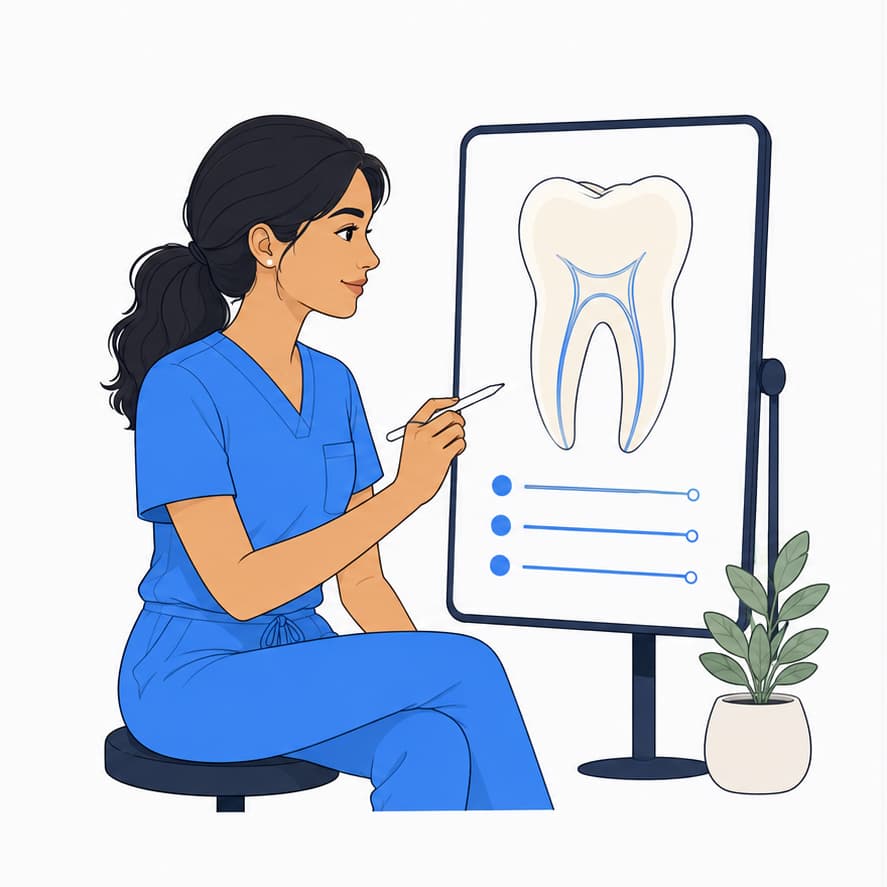
Your practice in Endora
Create their record, schedule a visit and document the treatment. You have 21 days to see how Endora fits your practice.
Try free for 21 days